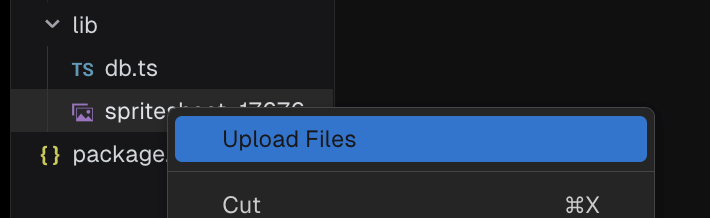
Please can you tell me the safest way to upload images via v0 chat?
I have tried manually uploaded, then I get an error “The code has the following error: Unhandled promise rejection: InvalidCharacterError: Failed to execute 'btoa' on 'Window': The string to be encoded contains characters outside of the Latin1 range."
I ask the chat to upload the image and display on app, and it says it has uploaded, but all I get is a broken link and it hasn’t actually uploaded.
This is quite a basic function and now quite frustrated I am wasting credits trying to upload one image.
Did you know there’s another category dedicated to v0 topics? A human should be here soon to help, but the answer may already be available even faster in one of these other posts.
Our docs are a great place to start.
We also have a walkthrough to help guide your workflow.
And these recordings can give you a look at v0 features and strategies in action shown by our Community:
Do you get this error with all files or just certain ones? If it’s just one, are you able to share it so we can see if we can update the encoding to handle it properly?
Hi @jacobparis - this is when i try to upload any way. Either through the “Upload files” button, or putting images into the chat and asking the bot to upload. It’s with any image, and the way round it so far is being exceptionally specific i.e. “Upload these images, create proper syntax using blob etc.” however this is hit and miss and has taken quite a few credits just on this issue alone.